Create Database on Koyeb

What is Koyeb?
Koyeb is a developer-friendly serverless platform to deploy apps globally. No-ops, servers, and infrastructure management. Koyeb provides serverless PostgreSQL database service. To create a database signup on Koyeb from the home page. In case you already have an account login to Koyeb to access the control panel.

Create PostgreSQL database
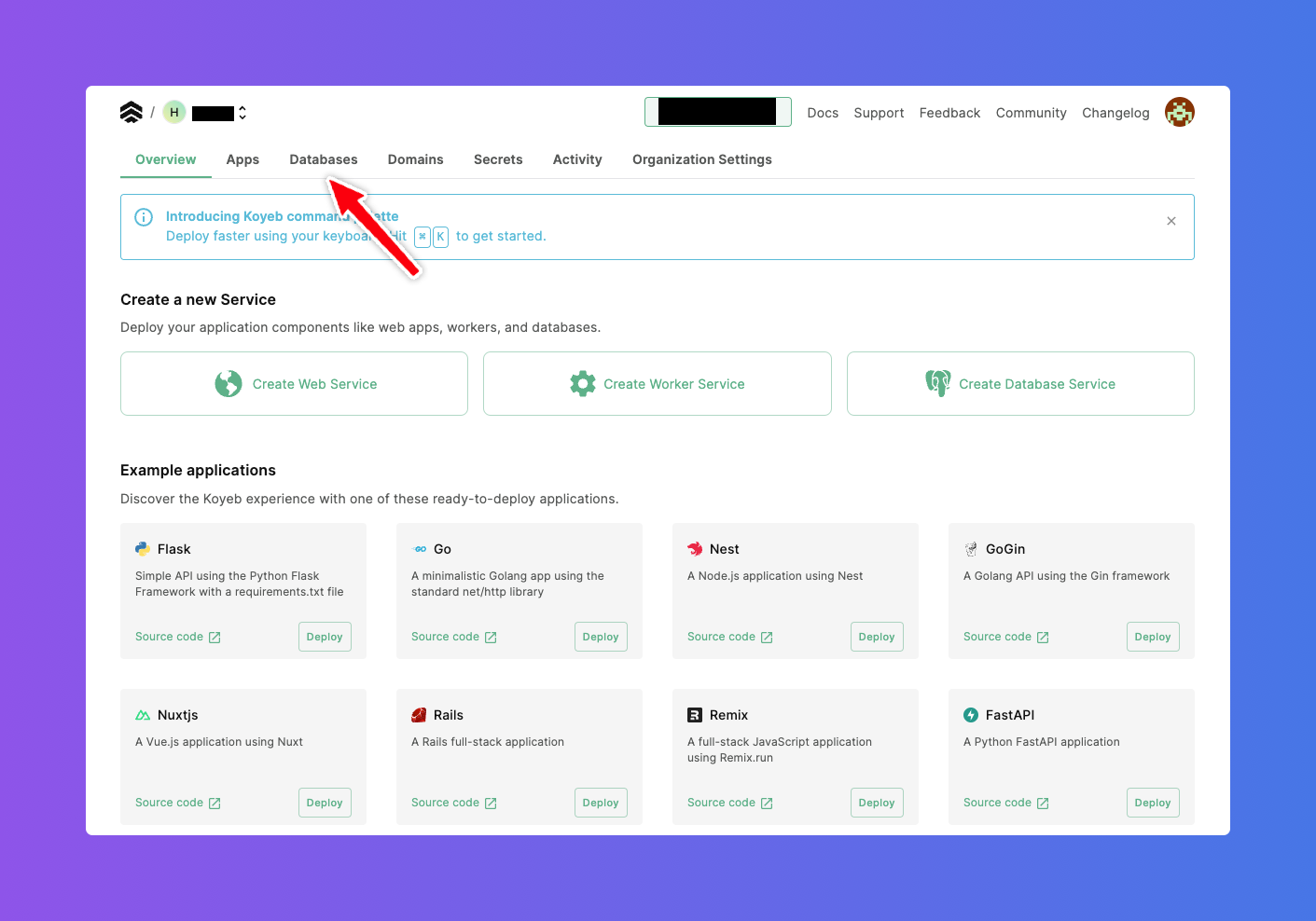
On the Koyeb dashboard click on the Databases tab.
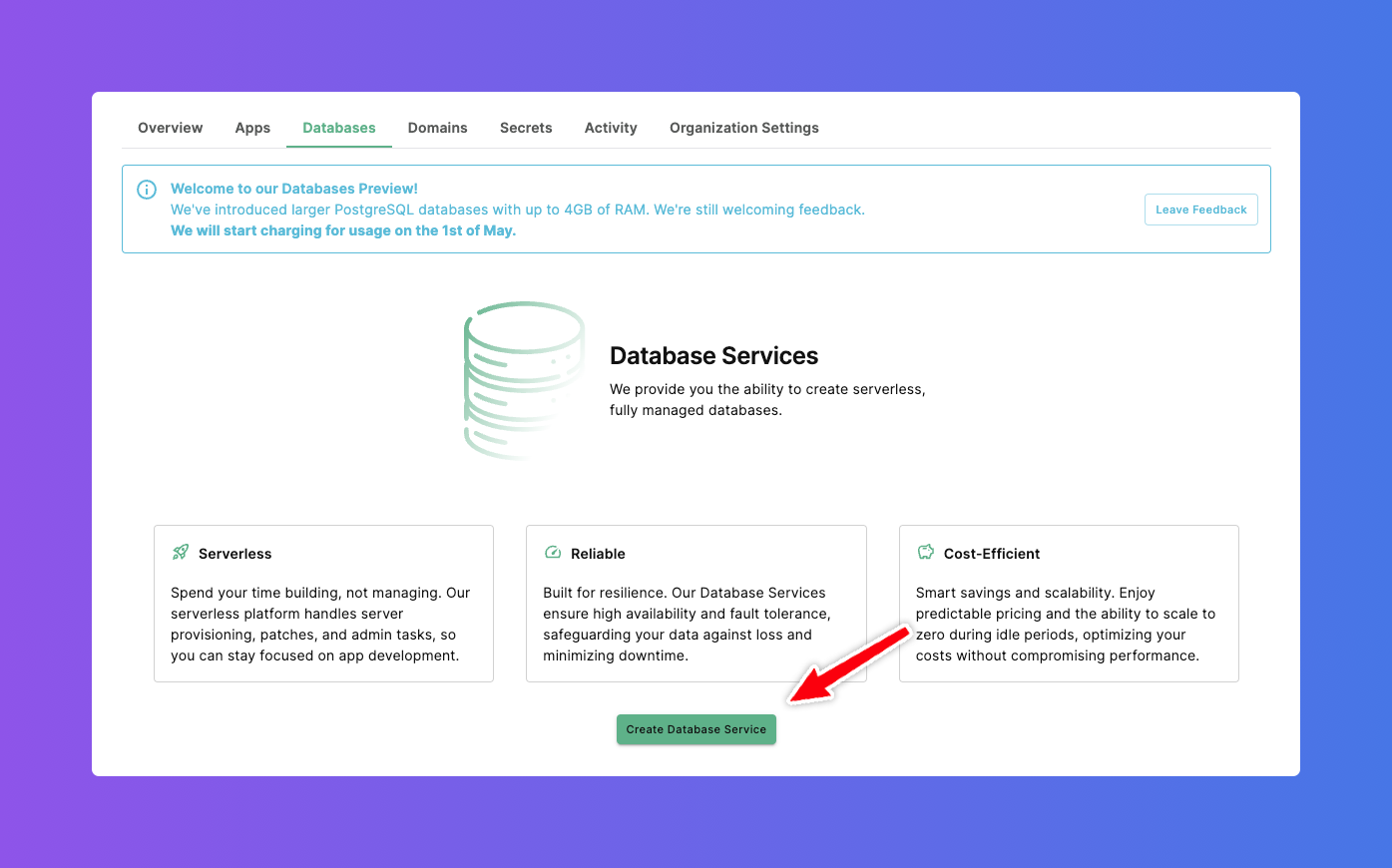
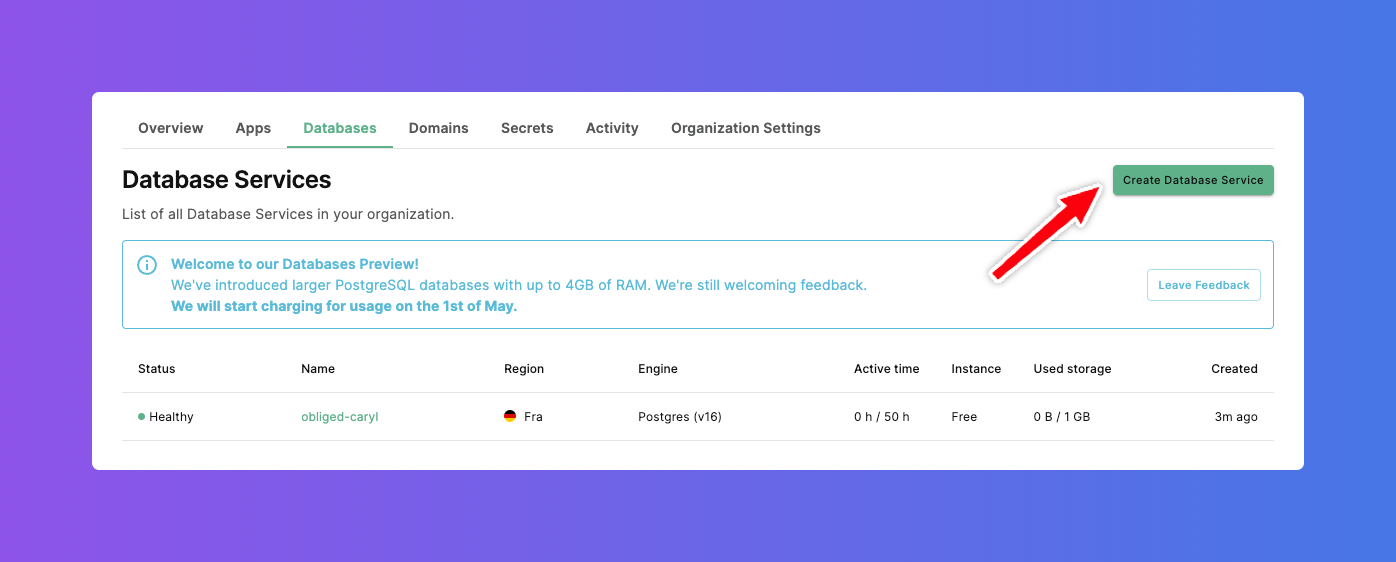
Now on the Database dashboard page , click on Create Database Service button.
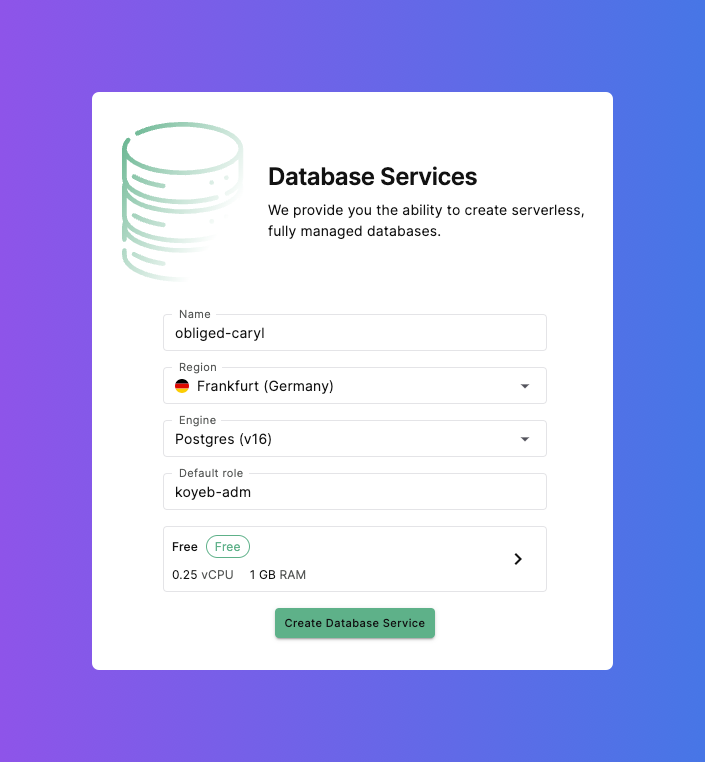
Following fields can be updated as per your needs
- Name
- Engine
- Default role
- Compute and Memory
For example - in this case, only defaults are used. Finally click on Create Database Service button.
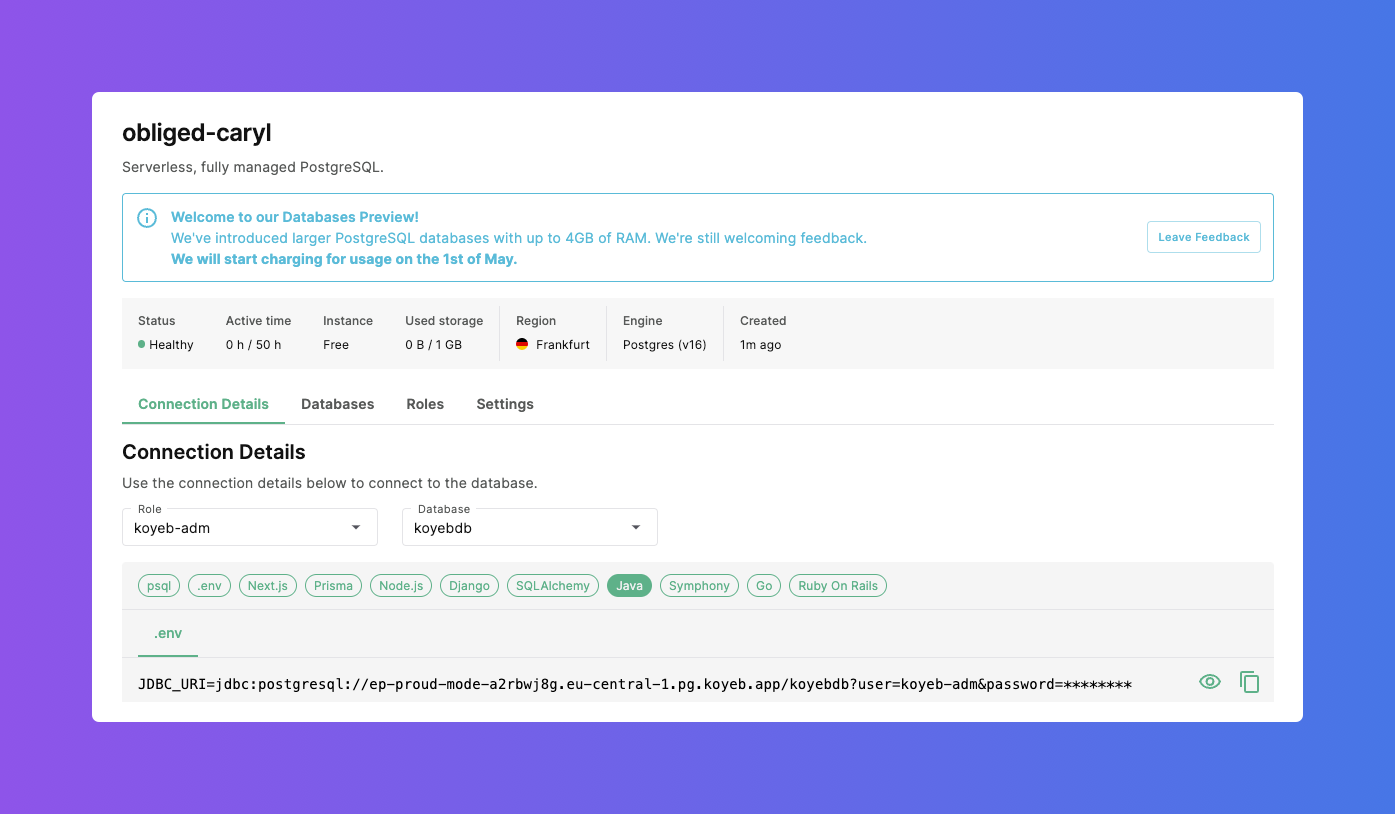
Within a few seconds the serverless PostgreSQL is up and running as shown below:
The list of databases on Koyeb are shown below:
Create Table
Next, create a table using any database tool. Our favorite tool is Dbeaver.
The connection details are available on the database dashboard.
CREATE TABLE employee (
	id serial4 NOT NULL,
	first_name varchar(50) NOT NULL,
	last_name varchar(50) NOT NULL,
	email varchar(255) NOT NULL,
	created_on timestamp NOT NULL,
	CONSTRAINT employee_email_key UNIQUE (email),
	CONSTRAINT employee_pkey PRIMARY KEY (id)
);